How to Save a Recipe From TikTok Before the Video Disappears
TikTok recipes vanish, get deleted, or scroll past before you can screenshot the ingredients. Here's how to actually keep them.
You watched a 45-second video of someone smashing garlic into brown butter, saved it to a TikTok folder called "food," and never opened that folder again. Six months later you remember the vibe of the video — a black pan, a lot of parmesan — and nothing else. The account is gone. The sound was a trending audio clip, not a searchable phrase. The recipe is gone with it.
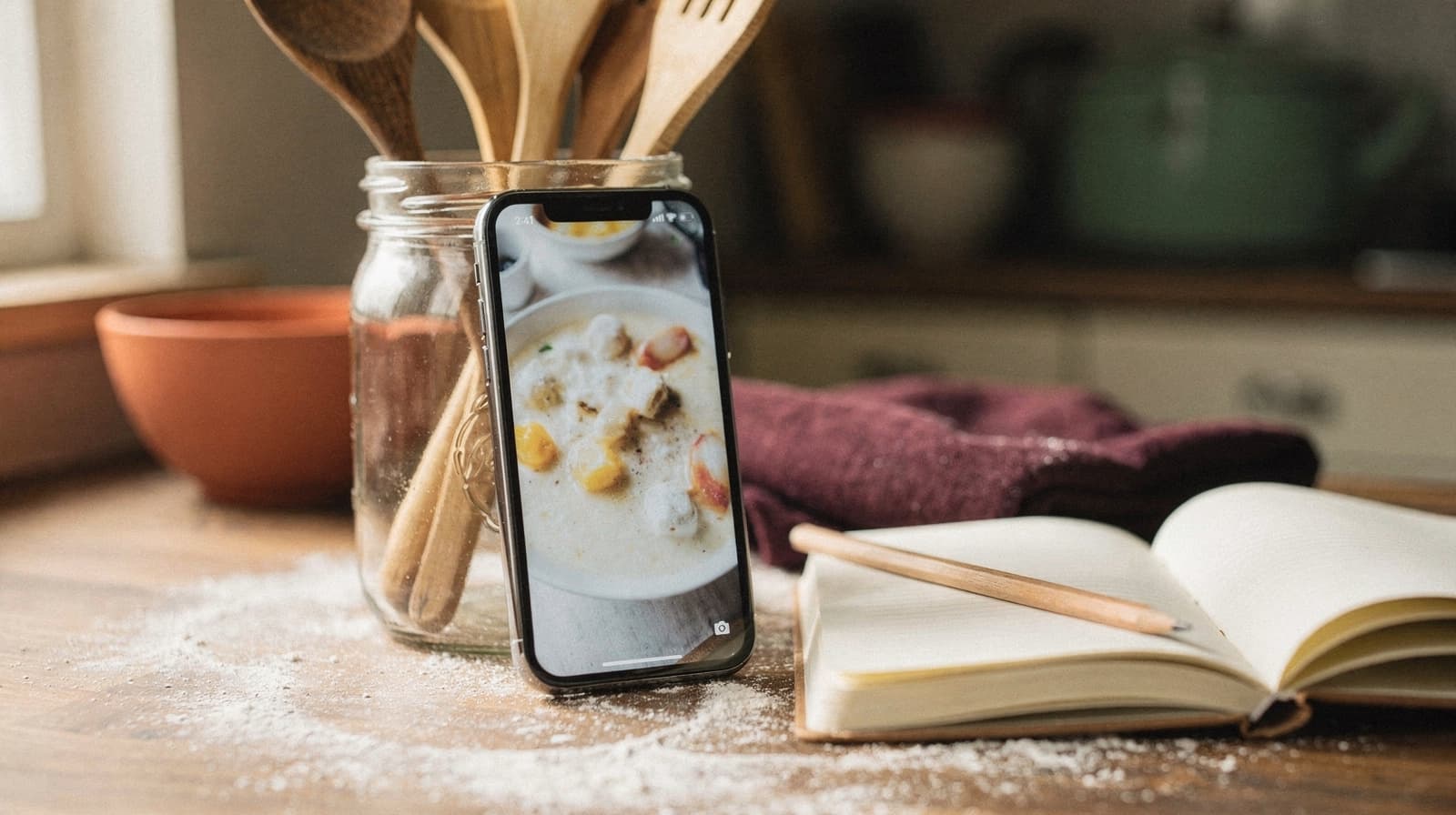
This happens because TikTok's save button was built to keep you inside TikTok, not to hand you a usable recipe. A saved video gives you no ingredient list, no measurements, and no guarantee the creator won't delete it, go private, or get banned. If you plan to cook the thing on a Tuesday in March, saving the video is the wrong move.
Why the built-in save button fails you
TikTok's heart and bookmark icons store a link to the video, not the recipe itself. That's fine for a dance trend. It's a problem for a dinner, because:
- The creator can delete the video or deactivate the account, and your save just points at nothing
- Ingredients and quantities get rattled off on camera and written nowhere, so you're scrubbing the same four seconds back and forth to catch "a third of a cup"
- TikTok's search inside your saved folder only matches captions and hashtags, not the contents of the video
- There's no way to add your own notes, like "used half the salt" or "worked better at 375 instead of 400"
None of that is a huge deal for one video. It compounds fast once you've saved 60 of them and can't find the one with the lemon dressing.
Write it down while you're watching, not after
The single most useful habit is transcribing the recipe the first time you watch it, not the fifth. Pause at each ingredient, write down the quantity as stated (even a rough one, "a big handful of parsley" is still information), and note the cook times and temperatures separately from the ingredient list.
Check the caption first. Half the time the creator already pasted the whole recipe there, because the comments fill up with people asking for it otherwise. Transcribing by ear is the fallback, not the first move.
Get it out of the app entirely
A saved TikTok is still a TikTok. The fix is getting the recipe into something that isn't tied to the platform's uptime, algorithm, or your login status.
A recipe manager like RecipeClip handles this with a share-to-save flow: you share the TikTok link directly from the app, and it turns the recipe into a card you can edit, tag, and search by ingredient later. It watches the video itself, so a recipe that's only spoken or shown on screen comes through too. You're not retyping anything by hand, and the recipe survives even if the original video comes down. The same approach works for saving recipes from Instagram, which has the identical disappearing-video problem.
If a creator's TikTok links out to their own site with a full written recipe, grab it from there instead. Our guide to clipping recipes from any webpage covers pulling structured recipes straight from a URL. A page with real measurements on it beats audio every time.
If the recipe is in the caption, our free video-to-recipe tool will turn the link into a card, no account needed — though it's built primarily for YouTube, where it watches the video itself instead of relying on the caption.
Tag by what you'll type into the search box
Once a recipe is out of TikTok and into a real system, the way you tag it matters more than where you got it. Six months from now you won't remember it came from TikTok. You'll remember "the brown butter pasta" or "that thing with the crispy chickpeas."
Useful tags to attach on the way in:
- The main ingredient or dish type ("pasta," "chicken thighs," "salad")
- A cook-time bucket ("under 20 minutes," "weekend project")
- Where you'd serve it ("weeknight," "for guests")
Skip tagging by source platform. "TikTok" as a tag tells you nothing useful when you're standing in your kitchen trying to decide what to make.
The problem gets worse with volume, not better
A single saved TikTok recipe is manageable no matter how you store it. The trouble shows up a year in, at 200 videos in one folder with no structure, when finding the right one means thumb-scrolling past everything you have ever saved and hoping you recognize a thumbnail.
Most people quit at that point and go back to cooking from memory. The fix isn't saving less. It's saving into something you can search by ingredient, dish type, or your own notes.
Video quality and audio issues you'll run into
Not every TikTok transcribes cleanly. Music mixed loud over the narration, creators who rip through the ingredient list in nine seconds, and videos where the quantities only ever appear as on-screen text all break the process.
Turn on captions if the creator added them, since a written "1/3 cup" beats a spoken one you half-heard. Drop to 0.5x speed for the ingredient list and watch the rest at normal speed. And when the numbers show up as text on screen, screenshot that frame rather than fighting the audio for them.
What to do with the ones you can't fully catch
Sometimes a video moves too fast, or the audio is unclear on a key step, and you're left with 80% of a recipe. Save what you got anyway and mark it incomplete rather than skipping it entirely. A half-transcribed recipe with a note like "check ratio of soy to honey, seemed like 2:1" is still more useful than a bookmark that might vanish tomorrow.
Scan the comments before you give up. Someone else asked your exact question two months ago, and the missing measurement is often sitting in a pinned reply.
Then go back through your TikTok food folder and pull the ten you would genuinely cook this month into a real recipe app. Leave the rest. For a rundown of where online recipes go missing and how to keep them, see the best way to save recipes online.