How to Digitize Your Cookbook Collection with AI
Turn your grandmother's handwritten recipes and old cookbook pages into a searchable digital library in seconds using AI photo scanning.
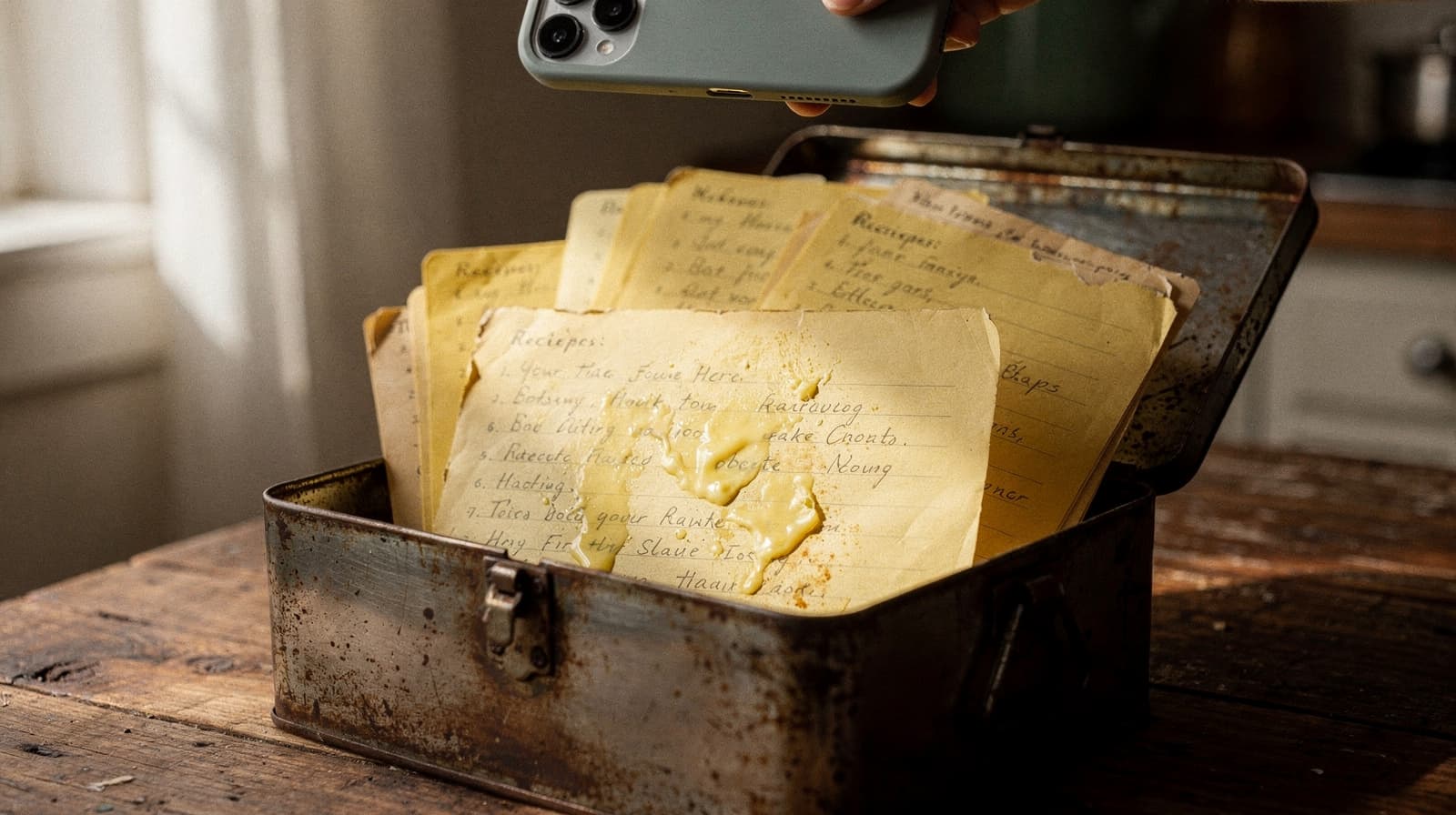
We all have them. The stained recipe cards in grandma's handwriting. The cookbook with the cracked spine that falls open to page 47. The magazine clipping yellowing in a kitchen drawer. These recipes carry memories, but they're fragile, hard to search, and impossible to share.

What if you could point your phone at any recipe and instantly turn it into a clean, searchable digital card?
The Old Way vs. The AI Way
The old way: Type every recipe by hand. Measure by measure, step by step. A single recipe takes 10-15 minutes. A whole cookbook? You'd need a weekend, and a lot of patience.
The AI way: Take a photo. Wait 3 seconds. Done. The AI reads the text, identifies ingredients, separates steps, and even estimates prep and cook times. It handles messy handwriting, faded print, and recipes in different languages.
How RecipeClip's Photo Scanner Works
- Snap a photo of any recipe — from a cookbook page, a handwritten card, a magazine, or even a screenshot
- AI extracts everything — title, description, ingredients with quantities, step-by-step instructions
- It's automatically saved to your personal recipe library, fully searchable and editable
The magic is in the AI. It reads recipe structure, not only characters. It knows that "2 cups flour" is an ingredient and not a step, and it can pull one recipe out of a busy cookbook page full of headnotes and sidebars.
Tips for the Best Results
- Good lighting matters. Natural light works best. Avoid harsh shadows across the page.
- Fill the frame. Get the whole recipe in the photo, but don't include too much extra text.
- Flat is better. Hold the cookbook open flat if you can. Curved pages can distort text.
- One recipe per photo. If a page has two recipes, take separate photos.
- Handwriting works. The AI handles cursive and print handwriting surprisingly well.
Batch Scanning: Do a Whole Cookbook
RecipeClip supports multiple photos at once. You can scan 10, 20, or even 50 recipes in a single session. Take all your photos, upload them as a batch, and let the AI work through them while you do something else.
Each photo becomes one recipe. Failed extractions can be retried individually. Successfully extracted recipes are auto-saved immediately.
Why Digital Recipes Are Better
Once your recipes are digital, everything changes:
- Search by ingredient. "What can I cook with chicken and rice?" You'll get an answer.
- Never lose a recipe again. No more digging through drawers or flipping through books.
- Share with family. Make any recipe public and share the link. Your sister can finally have grandma's pie crust recipe. On the Family plan ($11.99 a month, up to 6 people) everyone reads and adds to the same library.
- Edit and improve. Add your own notes, tweak the seasoning, record what worked.
- Access anywhere. Your recipe library is on your phone, your tablet, your laptop.
The Emotional Part
Here's what nobody tells you about digitizing old recipes: it's emotional. Scanning grandma's handwritten recipe for chocolate chip cookies isn't just data entry. It's preservation. It's making sure those recipes survive another generation.
We've seen users scan recipe cards from the 1950s, handwritten notes passed down through three generations, and stained pages from cookbooks that are literally falling apart. Every one of those recipes is now safe, searchable, and shareable.
Get Started
RecipeClip is free to use: 50 recipes, 20 AI imports a month, and 3 collections, no card. That's a decent chunk of a cookbook before you decide anything. Snap your first recipe and watch the AI work; it takes about 3 seconds. Pro is $6.99 a month, or $59 a year if the scanning habit sticks.
The hardest part is choosing which recipe to scan first.